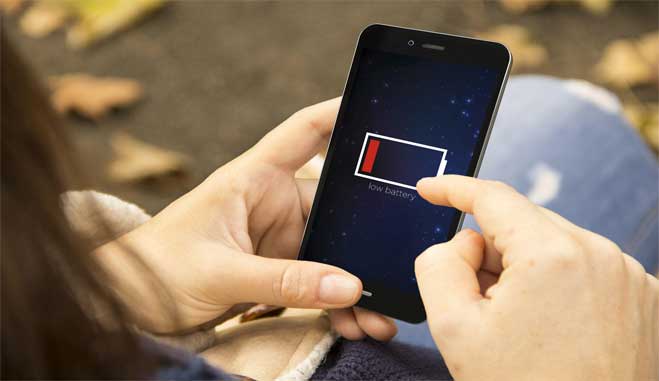
How to maintain battery health | A brief and comprehensive guide on things to consider
Battery health is an essential aspect of the performance and longevity of our devices, including smartphones, laptops, tablets, and other electronic gadgets. A well-maintained battery can help ensure that our devices run smoothly, last longer between charges, and have a longer overall lifespan. On the other hand, a poorly maintained battery can lead to reduced performance, shorter battery life, and even safety issues. In this guide, we will outline some tips on how to maintain your battery’s health and maximize its lifespan, helping you get the most out of your electronic devices.
Here’s a list of tips to help you maintain the health of your device’s battery:
Avoid extreme temperatures
High temperatures can damage the battery and shorten its lifespan. Try to keep your device out of direct sunlight and avoid exposing it to high temperatures. Similarly, exposing the battery to extremely low temperatures can also cause damage, so avoid leaving your device in very cold environments.
Don’t let your battery drain completely
Lithium-ion batteries, which are commonly used in mobile devices, don’t like to be fully drained. It’s best to keep your device charged above 20% whenever possible. Avoid letting your battery completely die before recharging it.
Charge your battery frequently
It’s better for your battery’s health to charge it frequently rather than waiting for it to drain completely. Try to keep your battery level between 20% and 80% for optimal performance.
Use the charger that came with your device
Different chargers have different voltage and current ratings, which can affect the battery’s health. It’s best to use the charger that came with your device, or a third-party charger that’s certified by the manufacturer.
Avoid fast charging when possible
Fast charging can put extra stress on your battery, which can reduce its lifespan. If you don’t need to charge your device quickly, use a regular charger instead of a fast charger.
Turn off unused features
Certain features like Wi-Fi, Bluetooth, and GPS can drain your battery quickly. If you’re not using these features, turn them off to conserve battery life.
Use power-saving mode
Many devices have a power-saving mode that can help extend the battery life. When activated, this mode reduces the device’s performance and turns off unnecessary features to conserve battery power.
Keep your device updated
Software updates often include bug fixes and performance improvements that can help reduce battery drain. Make sure to keep your device’s software up to date.
Store your device properly
If you’re not using your device for an extended period of time, store it in a cool, dry place with a battery level of around 50%. This can help prevent the battery from deteriorating over time.
Gather more information on the matter. Alternatively, find more technology stories here.
Author: PC-GR
The World of technology