

ScanTransfer is a free Windows desktop software program with which you can:
- Import pictures and videos without having to install any application on your phone.
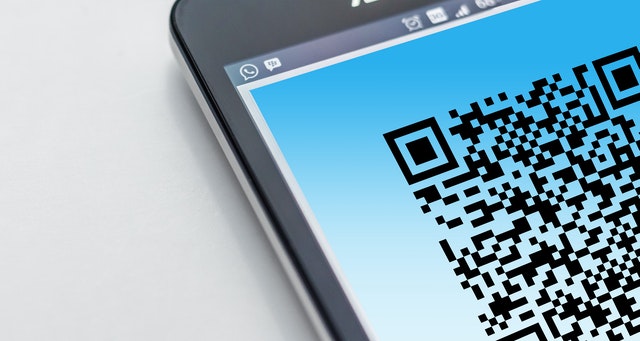
- Transfer photos to the cloud. All you have to do is scan a QR code on your phone, select your photos and move them to where you want them. You can very quickly transfer a single file or hundreds of photos and have them saved to a newly created “Transferred Files” folder on the desktop. Scanning an encrypted QR code launches a local computer web server, which detects the drop and starts the transfer locally. Once uploaded, you are taken to your app where you can either continue uploading on your phone or start the upload over again.The process is simple and convenient, with no third party involved. This provides absolute privacy protection so the photos on your device remain far safer than before.
- Install in both iOS and Android phones, having the ability to scan a QR code. You can scan with any QR enabled app to send a message. The free version is now limited to 10 file transfers per session and comes with a blackout screen.
The QR code technology has met a rapid development in recent years. You can read more here.
You can continue reading more on ScanTransfer or download it at the official website by following the link.
Author: PC-GR
The World of Technology





