How to clean your computer quickly and easily
Do you keep seeing messages on your computer screen that the available storage space has been significantly reduced? Or have you noticed that lately your disk performance has decreased significantly and is not as it used to be? If yes, then a first step you can take is to attempt to clean up your Windows computer yourself without the help of an expert.
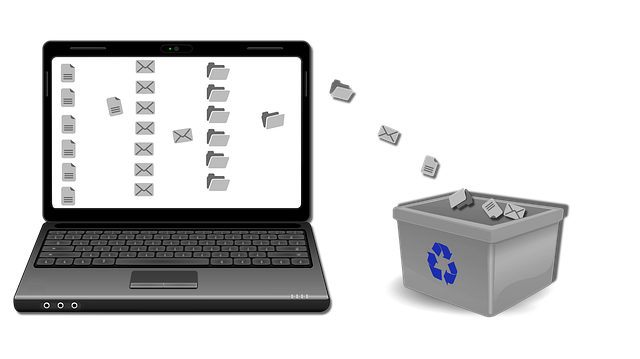
The first step is to rid your computer of temporary files and other things that are weighing it down. One application that will be able to make this process easier for you and is offered for free is CCleaner.
A second step to have a clean computer quickly is to delete any large files that exist and are no longer useful to you.
Then a third step, which many people underestimate, is to tidy up your desktop. Many times, for our own convenience, we save files to our computer’s home screen so that we can find them more easily. As a result, as time goes by, the desktop becomes cluttered with icons that we may no longer need.
If you follow all of the aforementioned steps you will have the chance to clean your computer quickly, faster than ever before.
Consult a step-by-step guide by following the link, https://www.wikihow.com/Clean-Your-Computer-System .
If you liked this article, then you might also enjoy this one.
Author: PC-GR
The World of Technology