

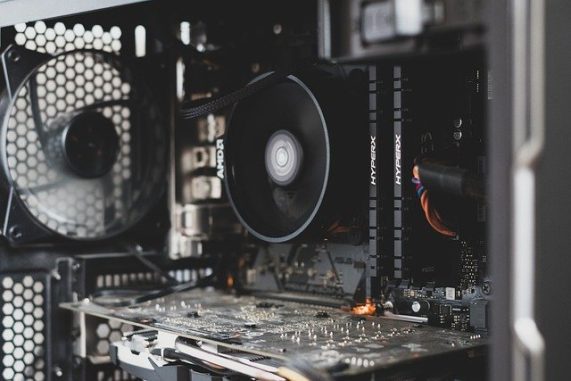
SpeedFan is a freeware for Microsoft Windows monitoring temperature, voltage and fan speed of your computer. The program can display system variables in the allocated tray. This easy-to-use utility tool can gather hardware temperature readings as well assessing computer’s overall health. For maximum performance, the user can configure settings, to prolonge the lifespan.
Some of the strongest features follow bellow in a brief, summarized list.
With SpeedFan you could:
-
Check the motherboard and hard disk’s temperatures (all hardware included)
-
Monitor the fan speeds, temperature and voltages
-
Configure settings to make sure your hard drive is functioning properly and running smoothly.
-
Change the fan speed on your computer
Another very important positive element of this software is the simple to understand interface even by less experienced computer users. There are online video tutorials, though, on how to download and use the application. On the other hand, one noteable limitation is the recurrent admin permissions required that can make the process tedious.
You can download it from: http://www.almico.com/sfdownload.php
Find more information here: http://www.almico.com/speedfan.php
To continue reading, you can have a look at more freeware utility tool to have a full image of you computer’s specifications so as to know how to boost its performance. Some system management programs are Speccy and Folder Colorizer.
Author: PC-GR
The World of Technology





