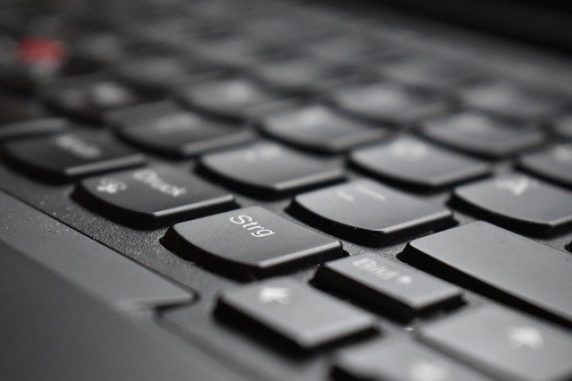
How to clean a keyboard thoroughly | Step-by-step guide and things to consider
Cleaning a keyboard is a simple but important task to ensure the longevity and cleanliness of the device.
Here’s a step-by-step guide to thoroughly clean your keyboard:
- Unplug the keyboard from the computer or any power source to avoid any electrical damage.
- Use a can of compressed air to blow away any loose debris or dust that may have accumulated between the keys. This will make it easier to clean the keyboard surface.
- Use a damp cloth or microfiber cloth to gently wipe down the keyboard. Avoid using too much water as it can seep into the electrical components of the keyboard and cause damage.
- For tough stains or grime, use a mixture of water and mild soap. Dip a cloth into the solution and wring out any excess water. Gently scrub the keys and surface of the keyboard until the stain is removed.
- -Use a dry cloth to thoroughly dry the keyboard after cleaning. Make sure to dry between the keys as well to prevent any residual moisture from causing damage.
- For extra cleaning, you can use alcohol-based cleaning wipes or isopropyl alcohol to sanitize the keyboard. This is especially useful if you share the keyboard with others.
- Once the keyboard is completely dry, plug it back into the computer or power source.
- Test the keys to make sure that they are working properly and that no moisture has seeped into the electrical components.
Note: Some keyboards with high profile keys require that you first extract them for a deep cleaning process. Take into consideration this note and plan your cleaning procedure accordingly.
By following these steps, you can thoroughly clean your keyboard and keep it in top condition. It is recommended to clean your keyboard at least once a month to prevent buildup of dirt and grime.
Gather more information on the matter. Consult HP’s official blog on the process.
Alternatively, find more technology stories and useful guides here.
Author: PC-GR
World of Technology